
A student coding on a laptop from a cliff overlooking floating islands above the clouds

Know it. Don’t fake it.
Learn computer science.

Short lessons in the right order, practice that checks you understood, and projects that make it stick.

What’s underneath the code

  • +22
compile.school
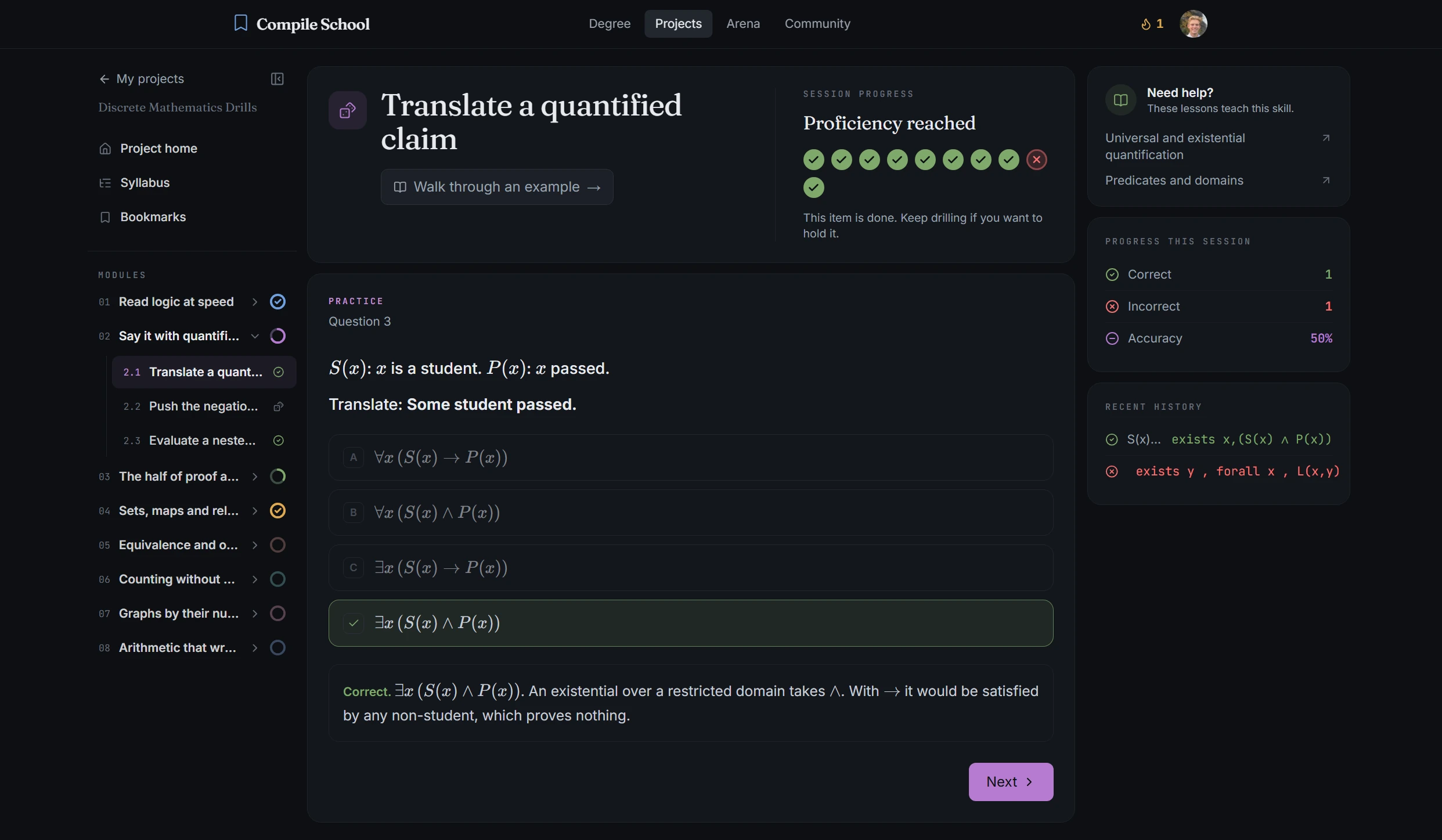
Compile.School practice session with module progress and session stats

The fundamentals you skipped

What bootcamps skip.
Taught in order.

Learn each concept, build it yourself, then prove you understand it — all inside Compile School.

Degree

How hash tables work

A dict lookup doesn’t check every key. It hashes the key and jumps straight to a slot.

1slot = hash(key) % len(buckets)
2return buckets[slot]

That’s why lookups stay fast as your data grows: O(1) on average.

A complete curriculum.

Data structures, algorithms, and how computers run your code, taught in order.

Projects

Score 1200Lives 3

See the theory work.

Every concept ends in something you build, so the theory sticks.

Browse projects

Arena

Streak 12
3 / 10

Average time complexity of a dict lookup?

Type your answer...
HintSubmit

Prove you understand it.

Quick questions that test the concept, not the syntax.

Learn by building

Build the things you’ve only used.

Tutorials teach you to call the library. Compile School has you build it, and learn the computer science that makes it work.

Search Engine
  • 1. Parse web pages
  • 2. Build an index
  • 3. Rank results
  • 4. Add a web interface
  • 5. Deploy your search engine
search.py
1from collections import defaultdict
2
3def search(query, index):
4 results = []
5 for word in query.lower().split():
6 if word in index:
7 results.extend(index[word])
8 return sorted(set(results))
9
$ python search.py "machine learning"
Found 3 results:
1. /articles/intro-to-ml
2. /blog/neural-networks
3. /docs/linear-regression

Build a Search Engine

Learn indexing and ranking by building your own search engine from scratch: crawl pages, build an inverted index, and rank results.

PythonIntermediate6–8 hours
Score 1200Players 3
game.pyserver.pyclient.py
1import socket
2import threading
3
4def handle_client(conn):
5 while True:
6 data = conn.recv(1024)
7 if not data:
8 break
9 broadcast(data, conn)
Server started on port 8080
Player connected: 192.168.1.12
Player connected: 192.168.1.27
Player connected: 192.168.1.42

Create a Multiplayer Game

Learn networking and concurrency by building a real-time multiplayer game from scratch: sockets, threads, and shared state.

TypeScriptAdvanced8–12 hours

You already write code.
Now understand it.

Create an account and start your first lesson in minutes. No setup, nothing to install.

Built for self-taught programmers and bootcamp grads. Classroom plans available for schools.